I build a fair number of internal decks, and they all need to look like they came from the same place. For a while my process was to open Claude Code, paste a long-winded description of the house style, and hope. It worked about as well as you’d expect. The type scale drifted, slide numbering restarted halfway through, and roughly every third attempt decided six consecutive bullet-point slides were a reasonable thing to hand a room full of people.
So I turned the prompt into a Claude Code skill, then packaged it as a plugin. Most of what I learned had little to do with deck styling. It was about where you draw the line between what the model decides and what a plain script does.
Overview
- A skill, not a prompt: one
SKILL.mddescribing the workflow, loaded on demand when I ask for slides. - One self-contained HTML file: fonts embedded as base64, zero external requests.
- A closed set of components: the model picks from a catalogue rather than inventing CSS.
- Validation in the tool: a small Python assembler that refuses malformed input.
- It checks its own work: the deck is rendered, screenshotted and read back before I see it.
What a skill actually is
A skill is a directory with a SKILL.md in it. The frontmatter is the trick: description is what Claude matches against when deciding whether the skill is relevant, so it needs to enumerate the ways someone might ask.
---
name: presentation-deck
description: Generate a house-styled HTML presentation deck — a single self-contained
  file with embedded fonts, no external requests, plus an optional 1280x720 PDF. Use
  when the user asks to "make a deck", "build slides", "create a presentation", "put
  some slides together", or runs /presentation-deck.
---
The body is the workflow: establish the topic, read the component reference, plan the narrative, write the slides, build, verify. The ordering matters more than the prose. Step three ends with wait for the user’s go-ahead on the outline, because a 12-slide deck is expensive to regenerate and cheap to re-plan.
The instruction I’d least want to lose is in step one:
Never invent specifics. Every number, flag, filename and command in the deck must be real. If a fact cannot be established, leave it out rather than guessing.
Decks are where confident fabrications survive review, because nobody fact-checks a bullet point on a slide.
Judgement in the model, assembly in a script
There are two very different kinds of work in “make me a deck”.
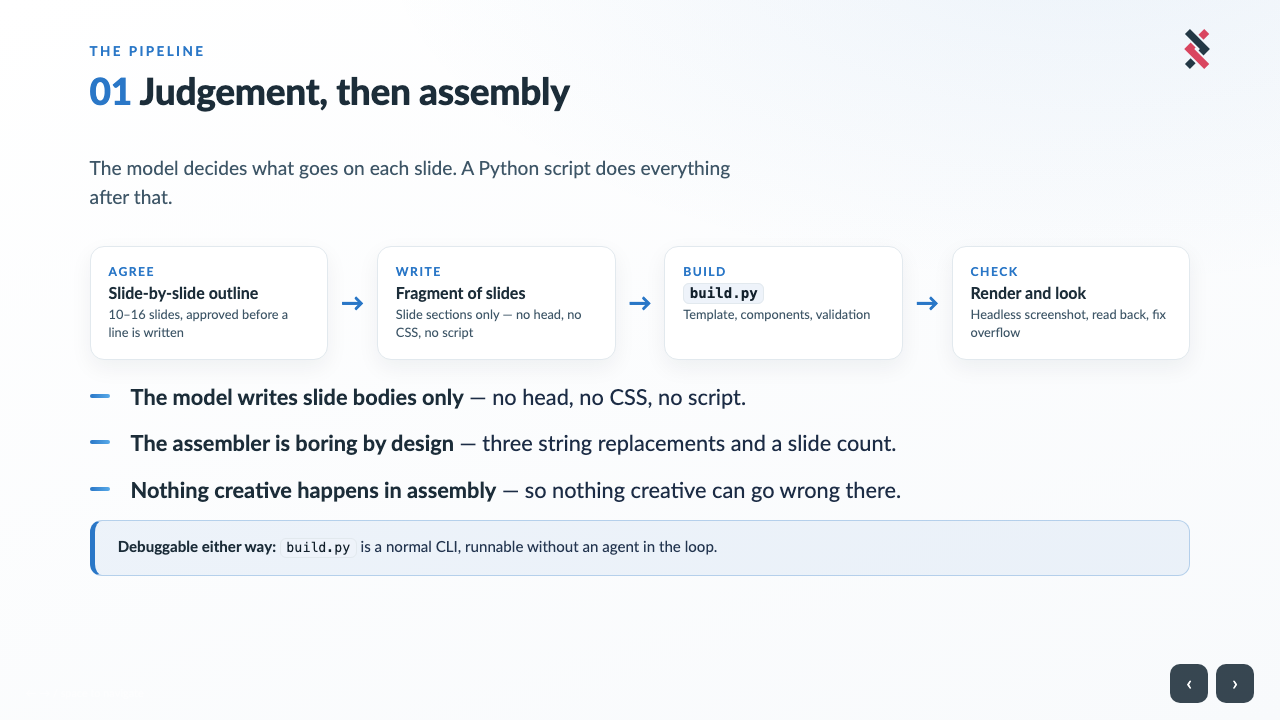
Judgement: what’s the arc, which facts earn a slide, is this a process flow or a before/after. That’s a language problem, and the model is good at it.
Assembly: wrap the fragment in a template, inject the CSS, escape the title, count the slides, shell out to headless Chrome for a PDF. Deterministic, tedious, and something a model can get slightly wrong in a way you won’t notice until you’re presenting.
So the model writes nothing but the slide bodies. A small script does the rest:
deck = (
    TEMPLATE.read_text()
    .replace("{{DECK_TITLE}}", html.escape(args.title))
    .replace("/* INJECT_EXTRA_CSS */", "\n".join(css_parts))
    .replace("<!-- INJECT_SLIDES -->", slides)
)
Three string replacements, standard library only. Because the assembler is boring, none of its failure modes are interesting. It can’t forget the print stylesheet or make up a font stack, because it isn’t deciding those things.
A closed vocabulary beats an open one
The biggest gain in consistency came from writing a COMPONENTS.md and telling the skill to read it in full before writing markup. It catalogues every component with a copy-paste snippet: bulleted points, card grid, process flow, before/after panels, statistics, terminal block, check lists, callouts.
The real value is that each entry carries its own limits:
.k= stage/actor label,.t= what happens,.d= detail. 3–4 steps; more than 4 will wrap and look cramped.
“More than 4 will wrap and look cramped” is worth ten lines of aesthetic instruction. So is 4–5 items maximum on the bullet list, and Designed for exactly three on the verdict cards. The model isn’t being asked to develop taste. It’s being told the constraints taste would have produced, which is much easier to communicate.
Guardrails belong in the tool, not the prompt
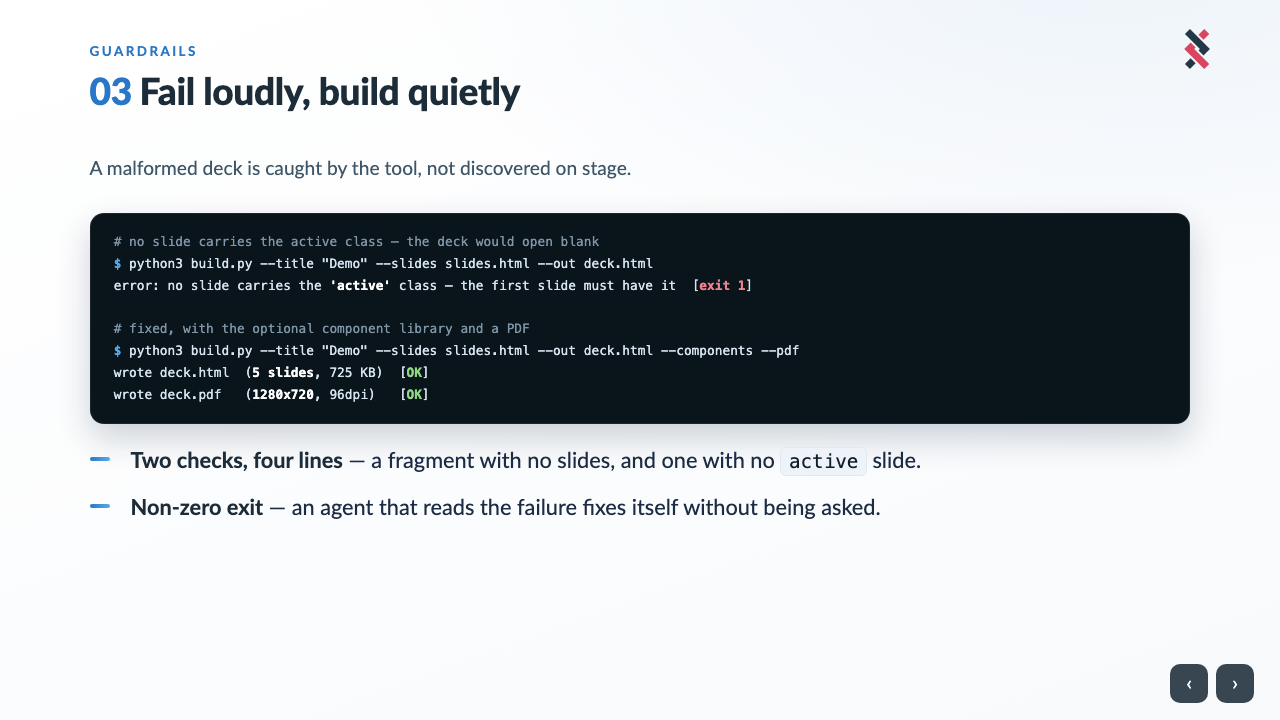
The template hides every slide except the one carrying active. A fragment where nothing is marked produces a valid HTML file that opens completely blank, which is a horrible thing to discover with a laptop plugged into a projector.
You could ask the model nicely to always remember the class. Better to make the build fail. My first attempt was the obvious one:
if "active" not in slides:
    sys.exit("error: no slide carries the 'active' class")
It was also wrong, which I only found while building the demo deck for this post. That deck has a slide about the guardrail, with the word active sitting in a terminal block, so the check was satisfied by the prose, and a fragment where nothing was marked built perfectly happily. A guard that matches your writing instead of your markup isn’t a guard.
The fix is to parse the section tags rather than grep the file:
SLIDE_SECTION = re.compile(r'<section\b[^>]*?\bclass="([^"]*)"', re.IGNORECASE)

def slide_classes(fragment):
    return [c.split() for c in SLIDE_SECTION.findall(fragment) if "slide" in c.split()]
active is then checked per tag against a real class list. The same substring bug was inflating the slide count two lines down, which is how a five-slide deck once reported six.

One file, no network
Every deck is a single HTML file with Lato embedded as base64 woff2. That’s around 725 KB, which is a lot for five slides.
It’s deliberate. A deck often gets shown on a machine with no reliable route to the internet, and one that fetches a webfont at load time renders in Times New Roman at the worst possible moment. So the conventions section says, flatly, never add a webfont link. The 725 KB buys a file I can email, drop on a USB stick, or open anywhere and know exactly how it will look.
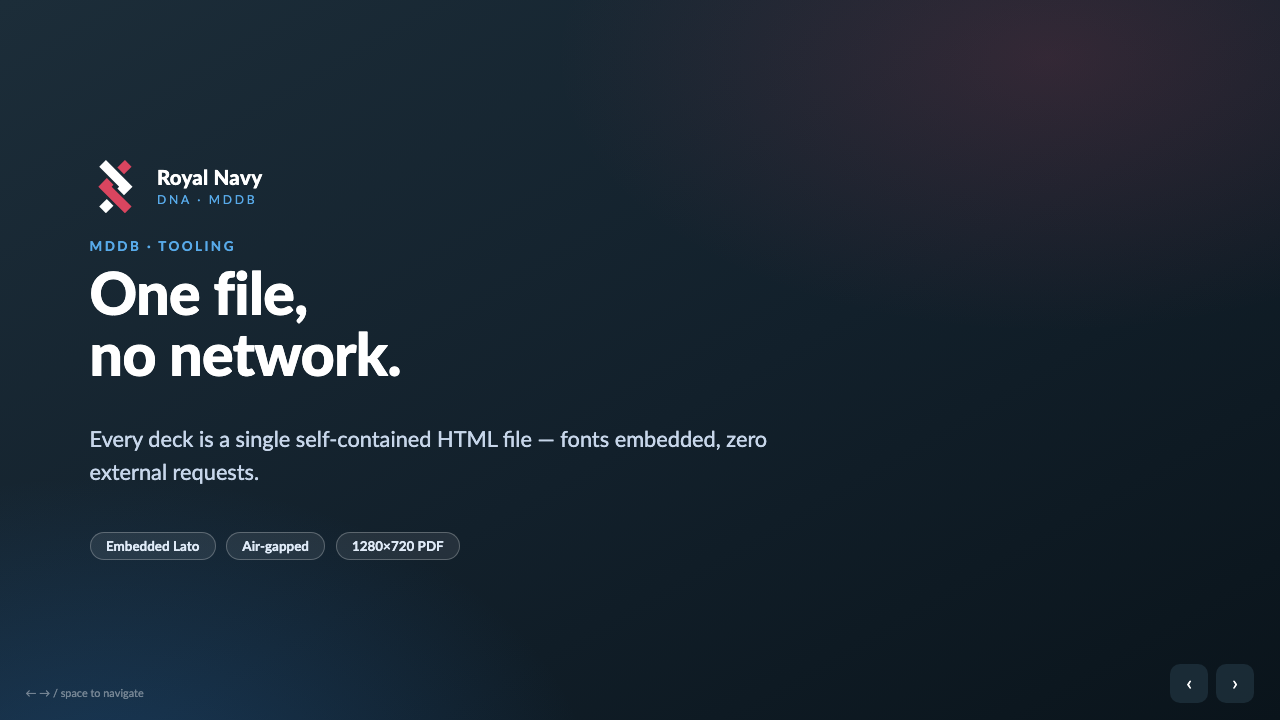
Slides are 1280×720 and sized in vw/vh rather than pixels, so the same markup scales to any screen and to the PDF.
Making it look at its own work
Content on a slide is clipped at 720px, not scrolled. Right for a presentation, but it means overflow is invisible unless something actually renders the thing. A model that has only seen its own markup has no idea it wrote one bullet too many.
So the final step is to render, screenshot, and look. Only the active slide is visible, so inspecting slide four means moving the class and neutralising the template’s initialiser:
h = Path('deck.html').read_text()
h = h.replace('<section class="slide">', '<section class="slide active">', 1)
Path('/tmp/preview.html').write_text(h.replace('show(0);', ''))
Then Chrome headless with --screenshot --window-size=1280,720, and read the PNG back. The check is specific (nothing overflowing the frame, no colliding text, type scale sane) and so is the remedy: fix it by splitting a slide, not by shrinking text. Without that clause the instinct is to drop the font size a point, which is how you end up with a deck nobody at the back can read.
Every screenshot in this post came out of that loop, which is a reasonable sanity check on whether it works.
Packaging it as a plugin
A skill on its own lives in ~/.claude/skills/. To make it installable you add a .claude-plugin/plugin.json, plus a marketplace.json alongside it so the repo can serve as its own marketplace:
{
  "name": "presentation-deck",
  "version": "1.0.0",
  "description": "Generate self-contained, offline-ready HTML presentation decks",
  "keywords": ["presentation", "slides", "deck", "html"]
}
Installation is then two lines:
/plugin marketplace add <org>/presentation-deck
/plugin install presentation-deck
The gotcha is asset paths. A plugin’s files are addressed relative to ${CLAUDE_PLUGIN_ROOT}. Install the skill directly instead and that variable isn’t set, so every path silently points at nothing. Rather than making SKILL.md handle both cases, the plain installer rewrites the variable out at install time.
Work out which part of the job needs judgement, do that part properly, and keep it away from the part that doesn’t.