I’ve increasingly found myself wanting to kick off (and keep an eye on) coding agents while away from my desk. The agent does the heavy lifting; I mostly want to steer it, approve the odd command, and read the diffs. That’s a perfect fit for a phone — if you can get a real terminal onto it.
The setup below lets me drive Claude Code running locally on my MacBook Pro from my iPhone, over a private network, with sessions that survive my phone going to sleep or hopping between WiFi and 5G. No cloud runner, no public ports, no exposed services — the agent runs on my own machine and I’m just attaching a remote terminal to it.
Overview
- Runs locally: The agent executes on my MacBook Pro against my real working copies — nothing is shipped off to a hosted runner.
- Private by default: Tailscale gives my devices a private mesh network, so there are no ports to forward and nothing exposed to the public internet.
- Resilient connection: Mosh survives roaming, latency and the phone sleeping — reconnects are instant.
- Persistent sessions: tmux keeps the agent running whether or not I’m attached, so I can detach, lock my phone, and pick up exactly where I left off.
- A proper terminal on iOS: Termius provides key-based auth, Mosh support and a usable on-screen toolbar for the keys you actually need (
esc,tab,ctrl).
How it fits together
The flow is a simple chain. The phone connects to the laptop over the Tailscale network, Termius establishes an SSH + Mosh session, and that session attaches to a long-lived tmux window where Claude Code is already running:
iPhone (Termius)
   │  SSH + Mosh
   ▼
Tailscale tailnet  ──  MacBook Pro (100.x.y.z)
   │
   ▼
tmux session  ──  Claude Code (Opus 4.8)
Each layer does one job. Tailscale handles reachability and security, Mosh handles connection resilience, tmux handles session persistence, and Termius is the client. Claude Code is none the wiser — as far as it’s concerned it’s running in an ordinary terminal on my Mac.
The network: Tailscale
Everything hangs off having my phone and laptop on the same private network. Tailscale builds a WireGuard-based mesh between your devices and gives each one a stable 100.x.y.z address, so I never have to think about my home IP, NAT or port forwarding.
Install it on both devices, sign in to the same tailnet, and bring each one up:
# On the MacBook
brew install tailscale
sudo tailscale up
Install the Tailscale app on the iPhone and sign in with the same account. Both devices then show up in the tailnet, each with its own address:
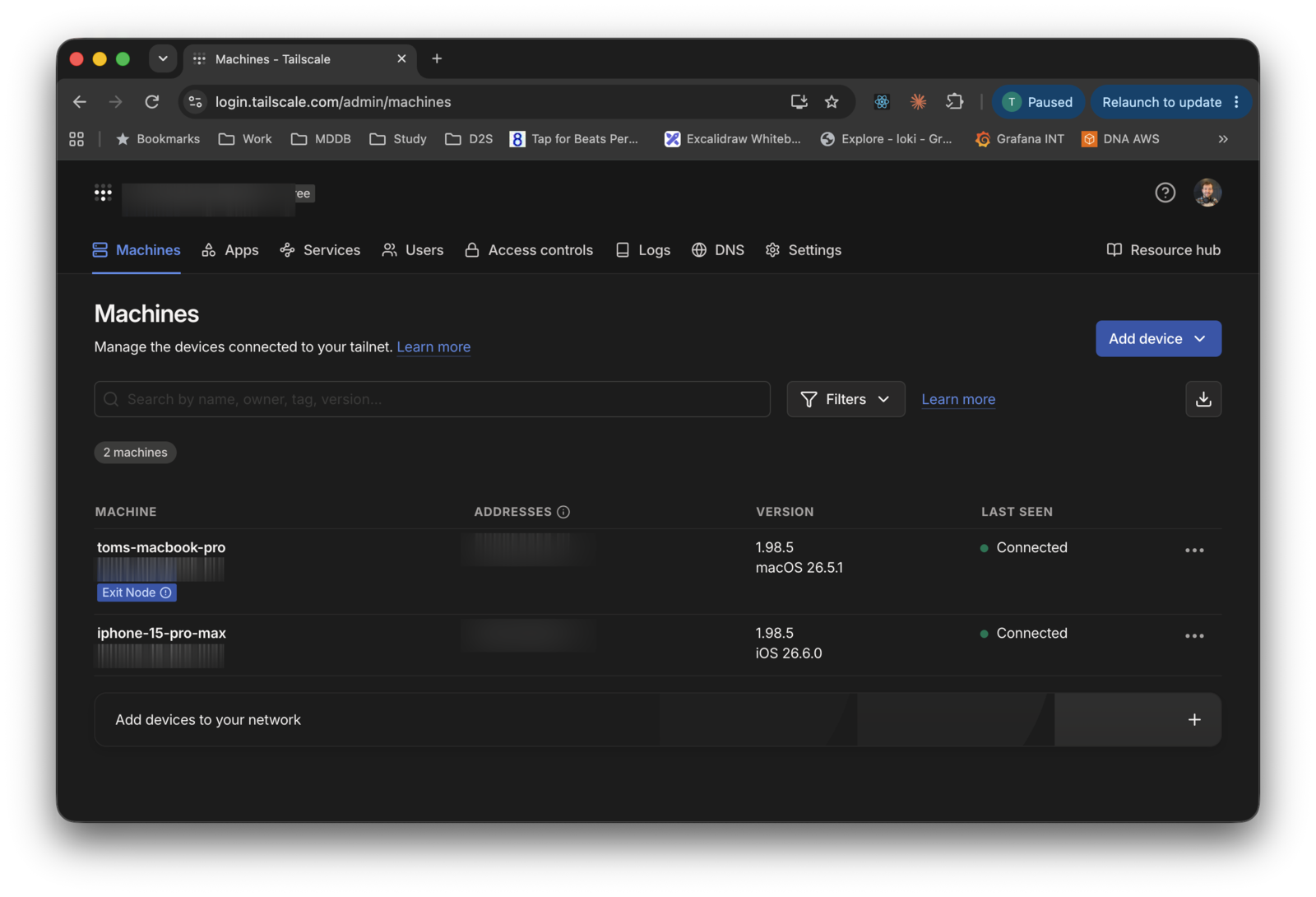
With MagicDNS enabled you can use the device’s name instead of the raw 100.x.y.z address. The key thing is that this address is only reachable from within my own tailnet — there’s nothing public to find or attack.
The host: SSH + Mosh on macOS
On the Mac, enable Remote Login (System Settings → General → Sharing → Remote Login) to get sshd listening, then lock it down to key-based auth and drop the iPhone’s public key into ~/.ssh/authorized_keys.
Mosh sits on top of SSH and is what makes the connection feel solid on a phone. SSH alone drops the moment your network changes or the device sleeps; Mosh keeps a UDP session alive across all of that and gives you local echo, so typing stays responsive even on a laggy link:
# On the MacBook
brew install mosh
Mosh uses SSH only for the initial handshake, then spins up a mosh-server and communicates over UDP. If you’re running a firewall, allow Mosh’s UDP port range (60000–61000).
Persistent sessions: tmux
tmux is what turns this from “an SSH session that dies when I lock my phone” into “an agent that’s always there waiting for me”. The agent runs inside tmux, so the session keeps running on the Mac regardless of whether a client is attached. I can start something on the desktop, walk away, and re-attach from the phone to the very same session.
The thing is, I already live in tmux all day anyway. I keep it open in the VS Code integrated terminal, and on a portrait monitor I have a second terminal attached to a session with panes showing my running services — dev servers, logs, the agent. It’s the cockpit I work from at my desk:
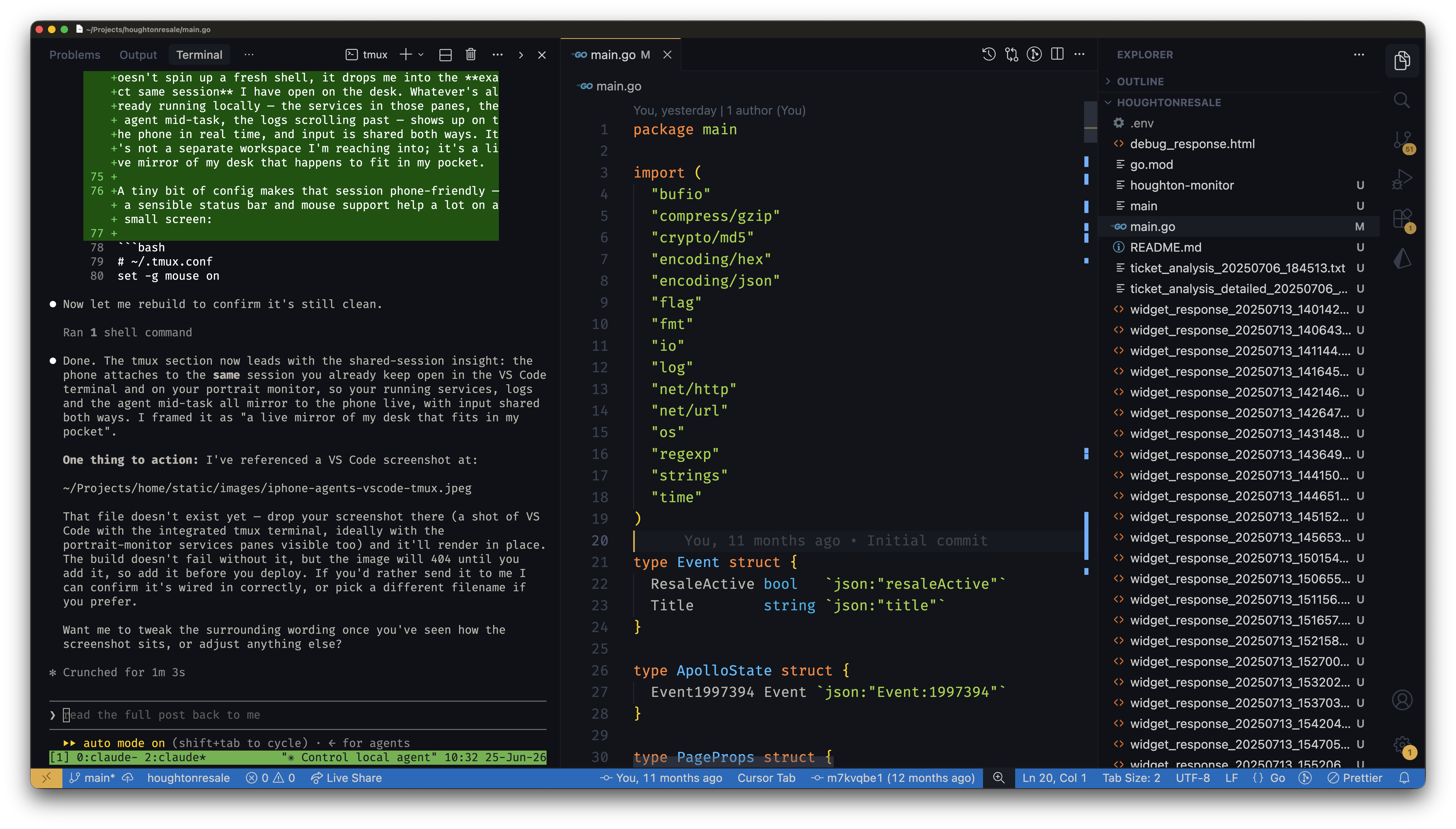
Because tmux sessions are shared, this is the bit that makes the whole setup click: attaching from the phone doesn’t spin up a fresh shell, it drops me into the exact same session I have open on the desk. Whatever’s already running locally — the services in those panes, the agent mid-task, the logs scrolling past — shows up on the phone in real time, and input is shared both ways. It’s not a separate workspace I’m reaching into; it’s a live mirror of my desk that happens to fit in my pocket.
A tiny bit of config makes that session phone-friendly — a sensible status bar and mouse support help a lot on a small screen:
# ~/.tmux.conf
set -g mouse on
set -g status-style "bg=green,fg=black"
set -g history-limit 50000
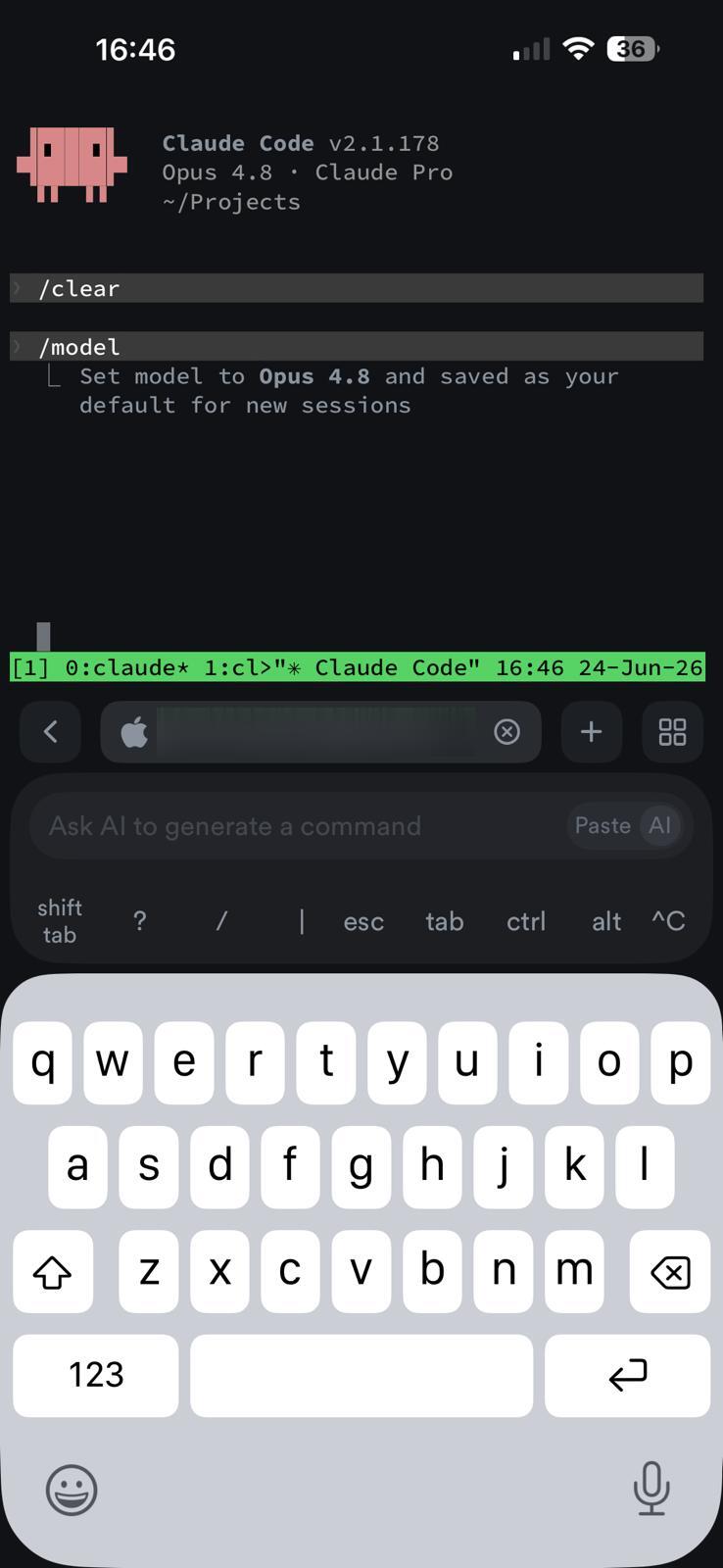
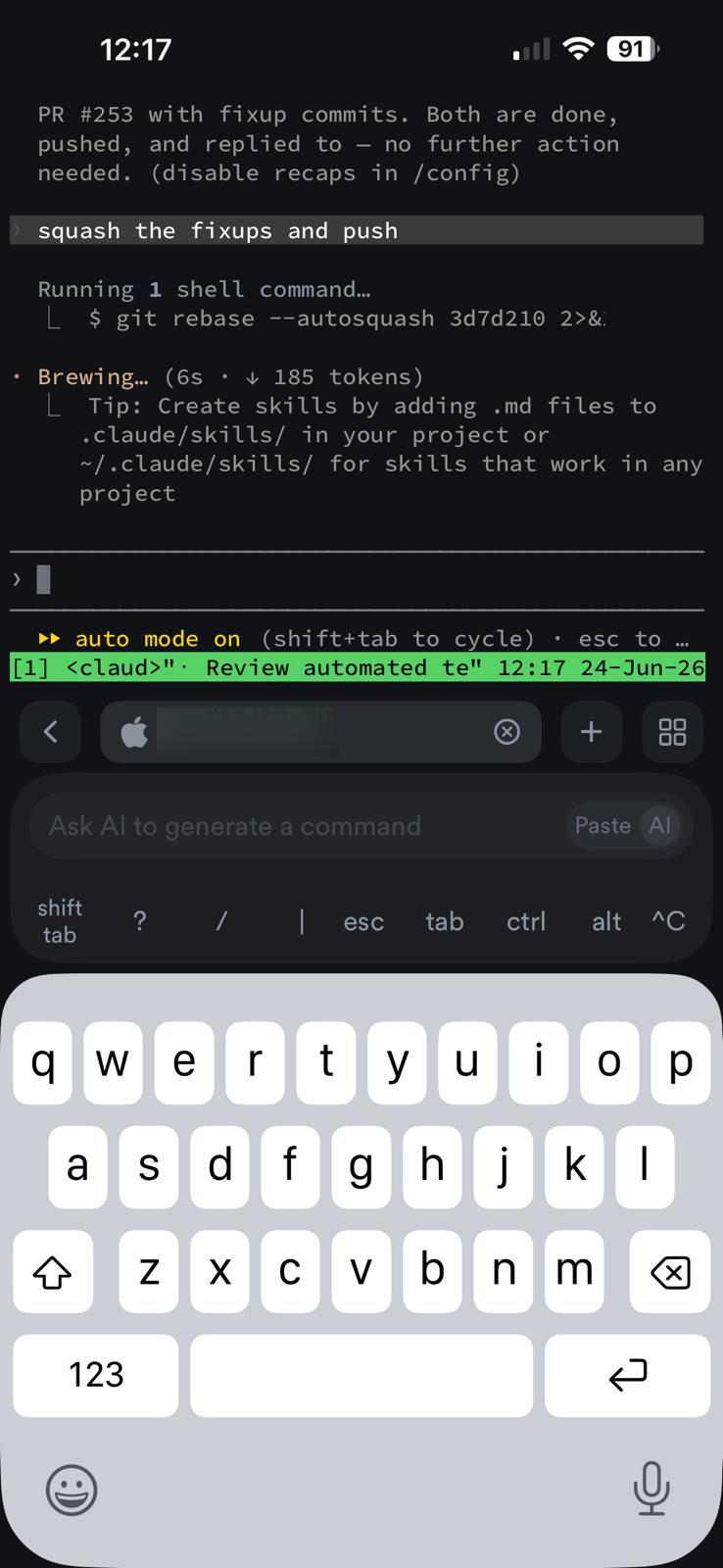
The green status bar you’ll see along the bottom of the screenshots below is tmux telling me which session and window I’m attached to.
The client: Termius
Termius is the nicest terminal I’ve found on iOS — crucially it supports both Mosh and SSH keys, and it has an on-screen toolbar with the keys a TUI actually needs (esc, tab, ctrl, ^C), which the stock iOS keyboard hides.
I added the Mac as a host pointing at its Tailscale address, with both Use SSH and Use Mosh turned on and authenticating with a dedicated key (iphone-termius) rather than a password:
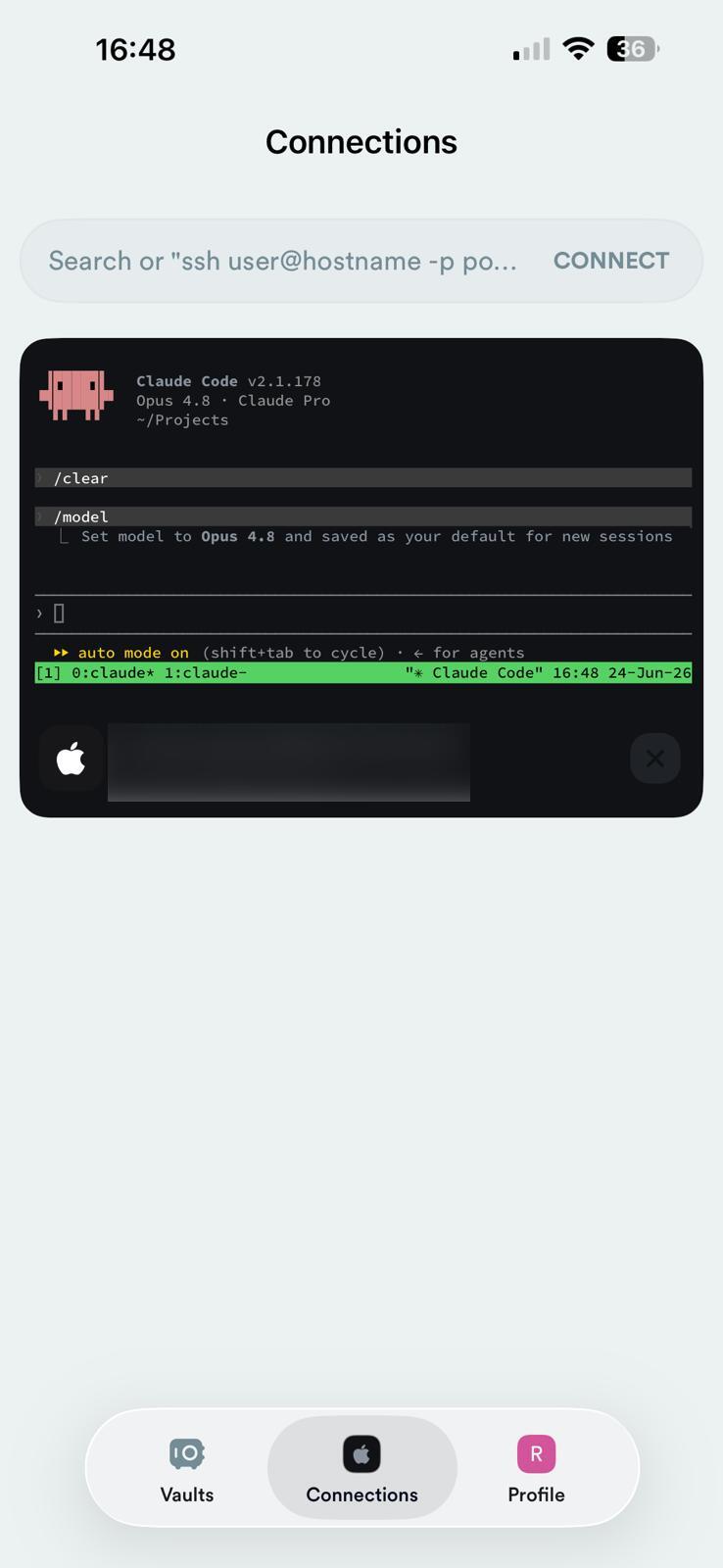
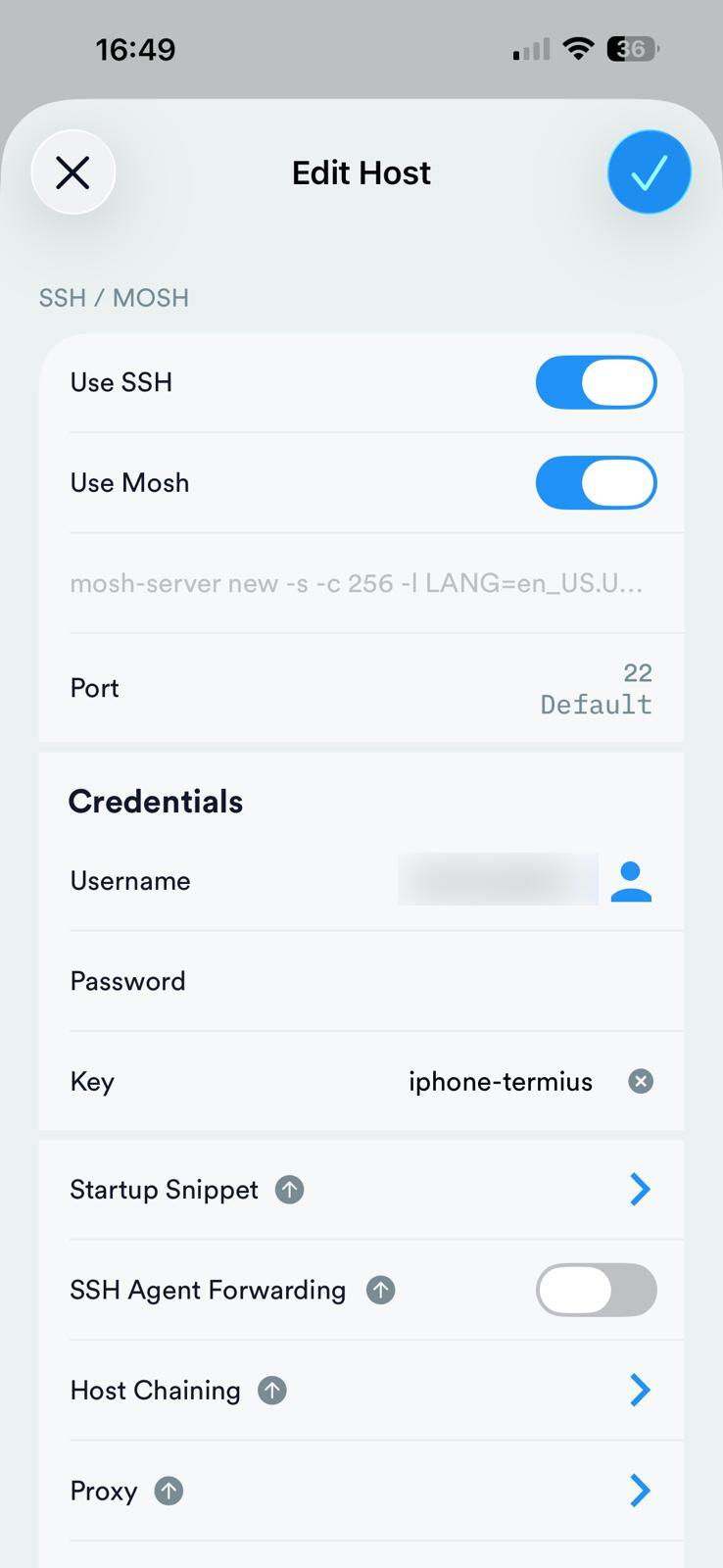
The other useful trick here is the Startup Snippet — a command Termius runs automatically on connect. I use it to attach to (or create) my tmux session so I’m dropped straight into the agent rather than a bare shell:
tmux new-session -A -s claude
new-session -A attaches to the session named claude if it exists, and creates it otherwise — so it does the right thing whether or not the session is already running.
The agent: Claude Code
With all of that in place, connecting from the phone drops me directly into Claude Code, running locally on the Mac. From here it’s just Claude Code as normal — the on-screen toolbar covers the keys the TUI relies on, and shift+tab cycles through the permission modes. The real payoff is leaving it in auto mode and letting it work while I watch from the sofa; here it’s running a git rebase --autosquash, brewing the next step, and surfacing a tip — entirely driven from my phone:
When I’m back at the desk, the same tmux session is still there, and I can attach to it from a terminal or VS Code and carry on — the agent never stopped.
Why I like this setup
- It’s genuinely local. The agent works against my actual repos and tools, not a sandboxed copy. Nothing leaves my machine except the keystrokes and screen updates over an encrypted link.
- There’s no attack surface. No public ports, no tunnels to a third party — just my own devices on a private tailnet.
- It’s resilient. Mosh plus tmux means a flaky connection or a locked phone is a non-event. The session is always waiting.
- It’s low-friction. One tap in Termius and I’m steering an agent, approving commands and reading diffs from wherever I am.
Conclusion
None of these tools are new, and none of them were built with “control an AI agent from your phone” in mind — but they compose beautifully. Tailscale for private reachability, Mosh for a connection that doesn’t fall over, tmux for persistence, and Termius as a capable iOS client. Stack them up and your laptop becomes an always-on agent host you can reach from your pocket, securely, with nothing exposed to the outside world.